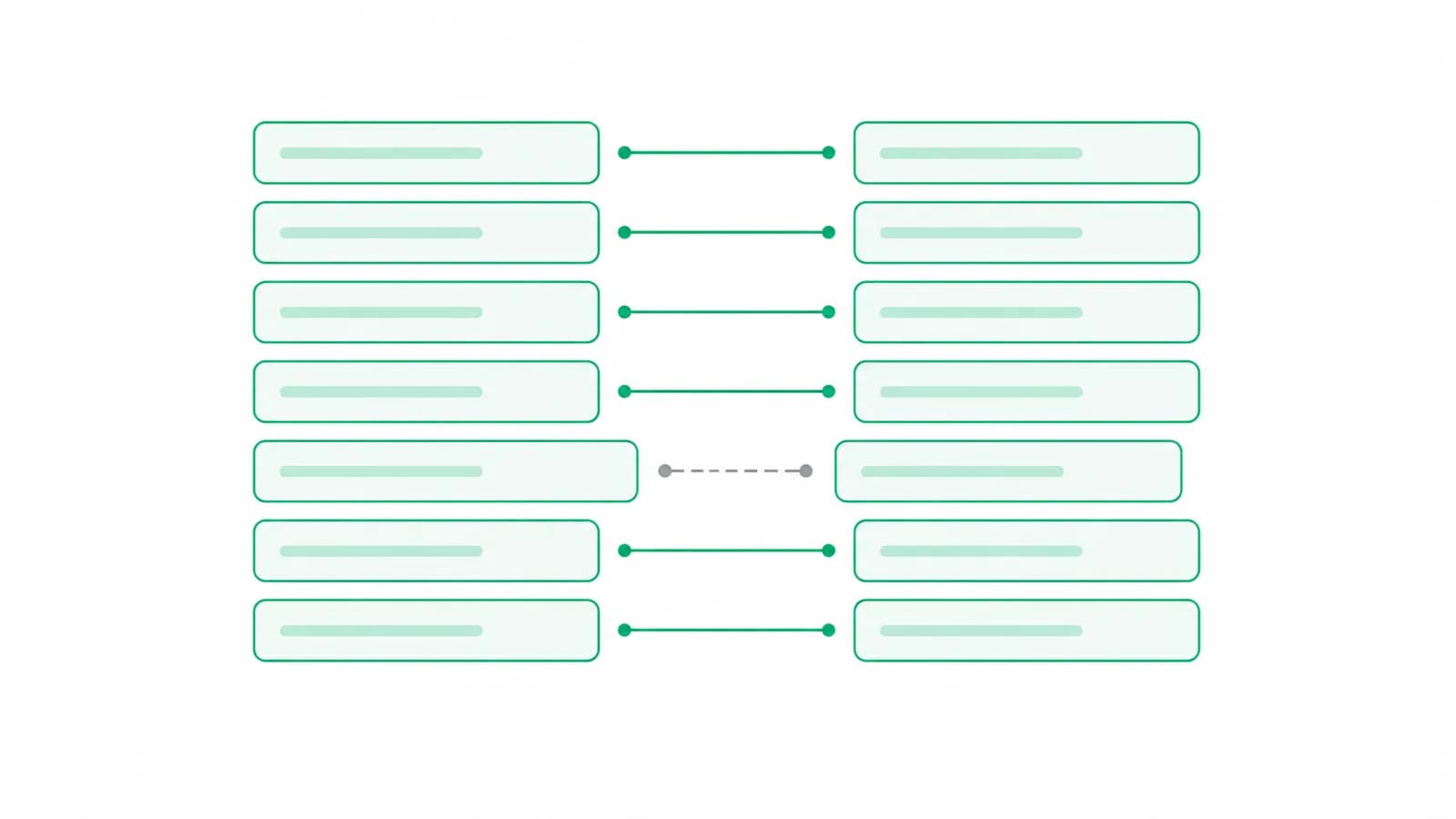
The Indian financial year runs 1 April to 31 March. Bank statements run to whatever period somebody selected when they downloaded them: a calendar year, a rolling twelve months, the last six months, or the range a client happened to pick on a banking portal at eleven at night.
So the ordinary case is a statement that crosses 31 March, and importing it whole puts entries into a year that is finished. The damage is quiet, which is the problem: nothing errors, and the year you had closed simply stops agreeing with what you filed.
What actually breaks
Three things, in descending order of how long they take to find.
Entries land in a closed year
Tally will happily accept a voucher dated in a previous financial year. If that year has been audited and filed, its figures have now changed and the books no longer support the return. This is the expensive one, because it is usually found by somebody else.
The opening balance stops agreeing
Add transactions to the prior year and the closing balance of that year moves, so the opening balance of the current year is wrong by the same amount. It presents as a mismatch at the start of the year, which sends people looking in entirely the wrong place. Finding the break in an opening balance covers the diagnosis.
Reconciliation stops being possible
A bank reconciliation compares your books to the bank at a date. If your books contain a partial extra month at one end, the comparison has nothing clean to sit on.
Important
None of this raises an error. Tally accepts an out-of-period voucher without complaint, so the only symptom is a figure that used to be right.
Cheques issued in March and cleared in April
This is the case people most often get backwards, and it is not an import problem, it is an accounting one.
A cheque issued on 27 March and presented on 4 April belongs to the year in which it was issued. The expense and the credit to the bank ledger are March entries. The bank statement disagrees, because the bank only knows about the cheque when it clears, and that disagreement is exactly what a bank reconciliation exists to explain: it is the classic unpresented cheque.
The error is to let the statement lead. Import mechanically from the bank's dates and every late-March cheque quietly becomes an April transaction, which understates the year just closed and overstates the year just begun. See the BRS format for where these sit on the reconciliation.
Pro tip
Deposits have the mirror problem. Cash or a cheque deposited on 30 March and credited on 2 April is still March in your books and April on the statement.
Three ways to handle the split, and which is worst
In the order they are usually attempted:
- Import the whole file and delete the wrong rows afterwards. This is the worst option and the most common one. Deleting vouchers from a Tally company is slow, easy to get half-right, and there is no undo if you delete a row that was not from this import.
- Edit the file before importing. Open the statement in a spreadsheet, cut the rows outside the year, import the rest. It works, and it means the file you imported is no longer the file the bank issued, which weakens the audit trail.
- Import only the period you want. The cleanest, because the original file is untouched and nothing has to be removed afterwards. It requires the tool to understand the financial year rather than just the file.
Ask for the right period in the first place
Most of this disappears if the statement arrives as 1 April to 31 March, and clients can select that range on every net banking portal in the country. They do not, because nobody asked them to.
A one-line instruction when you request statements removes the problem for the whole year: from 1 April to 31 March, PDF or Excel, downloaded rather than scanned. That covers the period, the format and the scanned versus text PDF problem in a single sentence. Getting statements out of clients covers the rest of the request.
Pro tip
Ask for one month of overlap on either side rather than an exact cut. It costs nothing, and it lets you see the cheques that cleared just after year end without going back to the client.
Conclusion
A statement that crosses 31 March is the normal case, not the exception, and the year boundary is an accounting decision rather than a property of the file. Cheques issued in March belong to March whatever the bank's dates say.
Greenote imports only the financial year you are working on, so a statement that spans a year end stops polluting the year you are filing, and nothing has to be deleted afterwards. See what it does.
Turn bank statements into Tally vouchers offline
Greenote reads 100+ Indian banks and posts clean vouchers straight into Tally, fully on your PC. No uploads, no cloud, no manual entry.
7-day free trial, no card required. Works with Tally Prime & ERP 9.