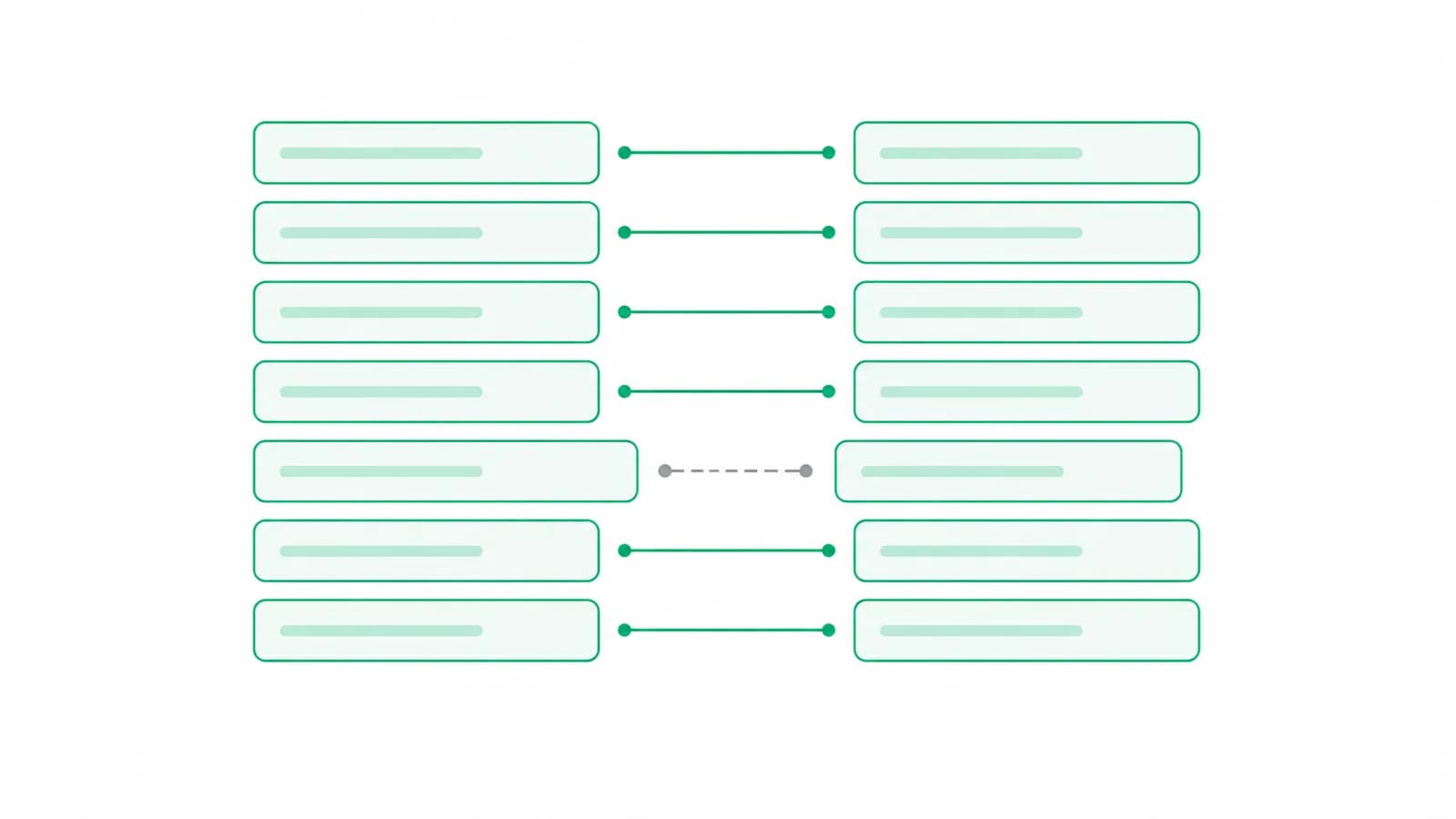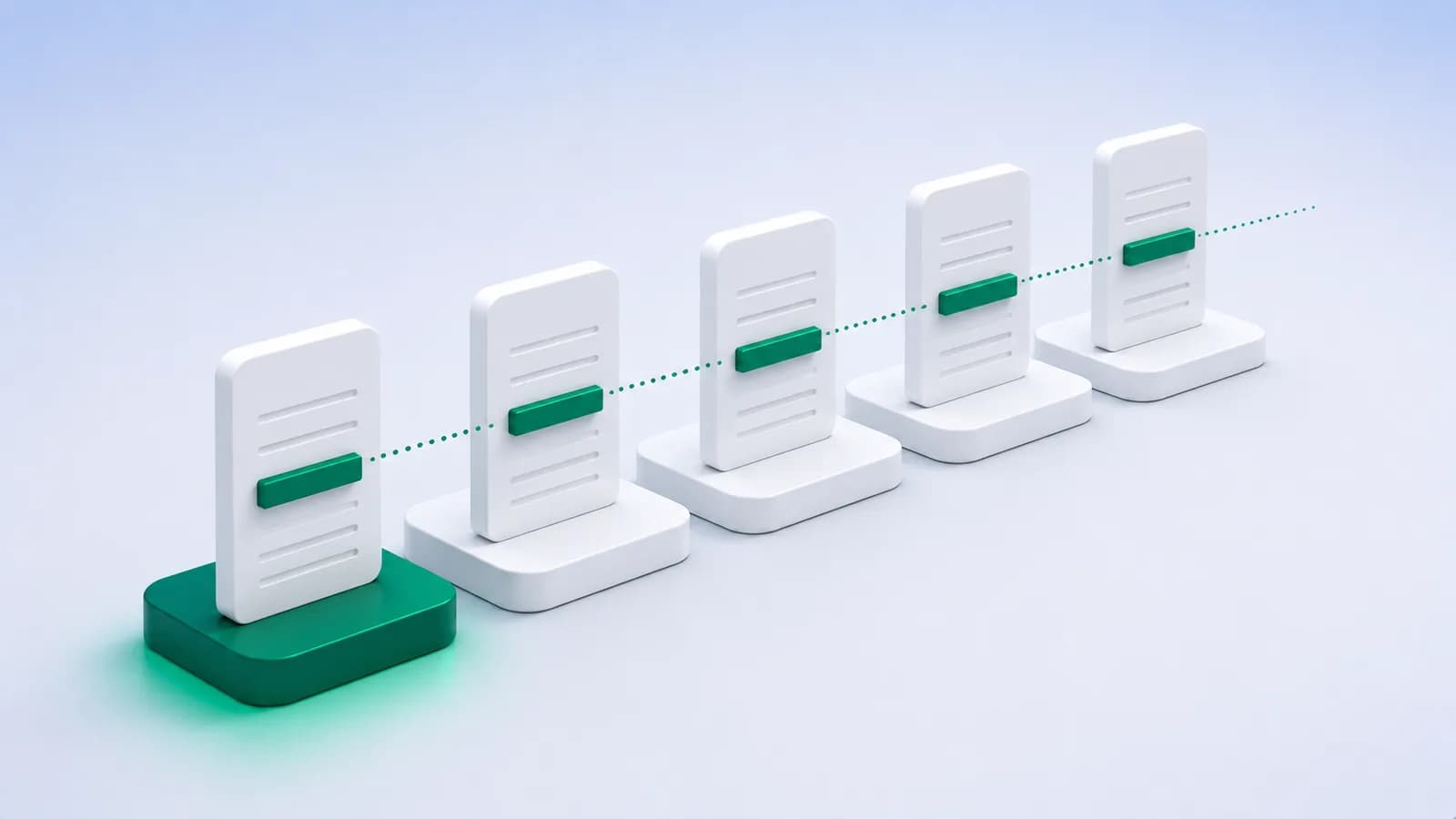
An opening balance error has one very useful property: it does not change. Whatever the difference was in April, it is the same in May, the same in December, and the same at the year end.
That constancy is the diagnosis. A difference that varies month to month is a transaction problem somewhere in the period. A difference that sits at exactly the same figure every single month is an opening problem, and you can stop looking at the transactions entirely.
Confirm the pattern before you start looking
Spend two minutes on this before anything else, because it determines whether the rest of the article applies.
Pull the closing difference for three or four consecutive months. If the figure is identical each time, to the paisa, it is an opening balance issue and the cause is at the start of the period. If it grows, shrinks or moves around, something inside the period is wrong and you should be reconciling months rather than chasing the opening.
A difference that is constant for several months and then changes once tells you two things at the same time: an opening error, plus a separate transaction error in the month it changed. Fix the opening first, because it makes the second one visible.
Pro tip
Divide the difference by nine. If it comes out whole, a transposed digit is very likely, two figures swapped somewhere. That single check resolves a good share of these before any real investigation starts.
The four causes, in order of likelihood
Work down this list rather than around it. They are ordered by how often they turn out to be the answer.
1. The opening was typed from the wrong document
The most common cause by far. The figure was taken from the previous year’s draft rather than the finalised accounts, or from a statement dated a few days either side of the year end. Compare the opening against the audited closing of the previous year, not against anything else.
2. The sign or the side is wrong
An overdraft opened as a debit balance, or a credit balance entered as a debit. This produces a difference of exactly twice the balance, which is a distinctive tell: if the difference is precisely double a figure that appears in the accounts, look here first.
3. The previous year was reopened and changed
Somebody altered a prior-period voucher after the opening was carried forward. The opening in the current year is now stale. This one is easy to miss because nothing in the current year looks wrong, and it is worth checking whenever the difference appeared without anybody touching the current period.
4. Unpresented items were carried forward incorrectly
Cheques issued before the year end but presented after it belong in the reconciliation, not in the opening balance. If they were absorbed into the opening figure instead, the books and the bank will disagree by exactly the total of those items, permanently.
Locating it without re-checking the year
Do not start re-verifying transactions. The whole point of a constant difference is that the transactions are not the problem.
- Compare the opening balance in Tally against the closing balance in the previous year’s finalised accounts. Most of the time you are done here.
- Compare it against the bank statement balance on the first day of the period, and note that these two are allowed to differ, by exactly the unpresented items.
- Check the sign and the group of the ledger, especially on any overdraft or cash credit account.
- If the difference equals the total of items sitting in the reconciliation, the unpresented items were double counted.
- Only if all four fail should you look inside the period, and then start at the earliest month rather than the latest.
Important
Never fix an opening difference by posting a balancing journal to force it to agree. It hides the cause, it moves the problem into the current year where it will be harder to find next time, and it will be asked about. Find the reason and correct the opening itself.
Stopping it recurring
Opening balance errors are easy to prevent and expensive to find, which is a bad combination if nobody has agreed a process.
Carry openings from the finalised accounts only, and only once the previous year is genuinely closed. Where a period is reopened afterwards, treat re-checking the following year’s opening as part of that job rather than an afterthought. And record the unpresented items at the year end explicitly, as a list, so the following year can see what belongs in the reconciliation rather than inferring it.
The wider habit that prevents all of this is reconciling monthly rather than annually. A constant difference discovered in May costs an hour. The same difference discovered at the year end has twelve months of entries sitting on top of it and everyone has forgotten the period.
Conclusion
A difference that repeats identically every month is not a mystery, it is a signpost. It means the transactions are fine and the start is wrong.
Check the previous year’s finalised closing, check the sign, check whether the prior period was reopened, and check whether unpresented items were absorbed into the opening. One of those four is almost always the answer, and none of them requires re-examining the year.
See the BRS format and what each line means, or why reconciliation breaks in the first place. One frequent cause is a statement that spans two financial years.
Ask for a free trial and reconcile against a statement you did not retype.
Turn bank statements into Tally vouchers on your own PC
Greenote reads 100+ Indian banks and posts clean vouchers straight into Tally, from your own PC. The statement is not uploaded, and nothing is typed by hand.
Free trial after a short call: 2 days or 10 statements, no card. Works with Tally Prime & ERP 9.