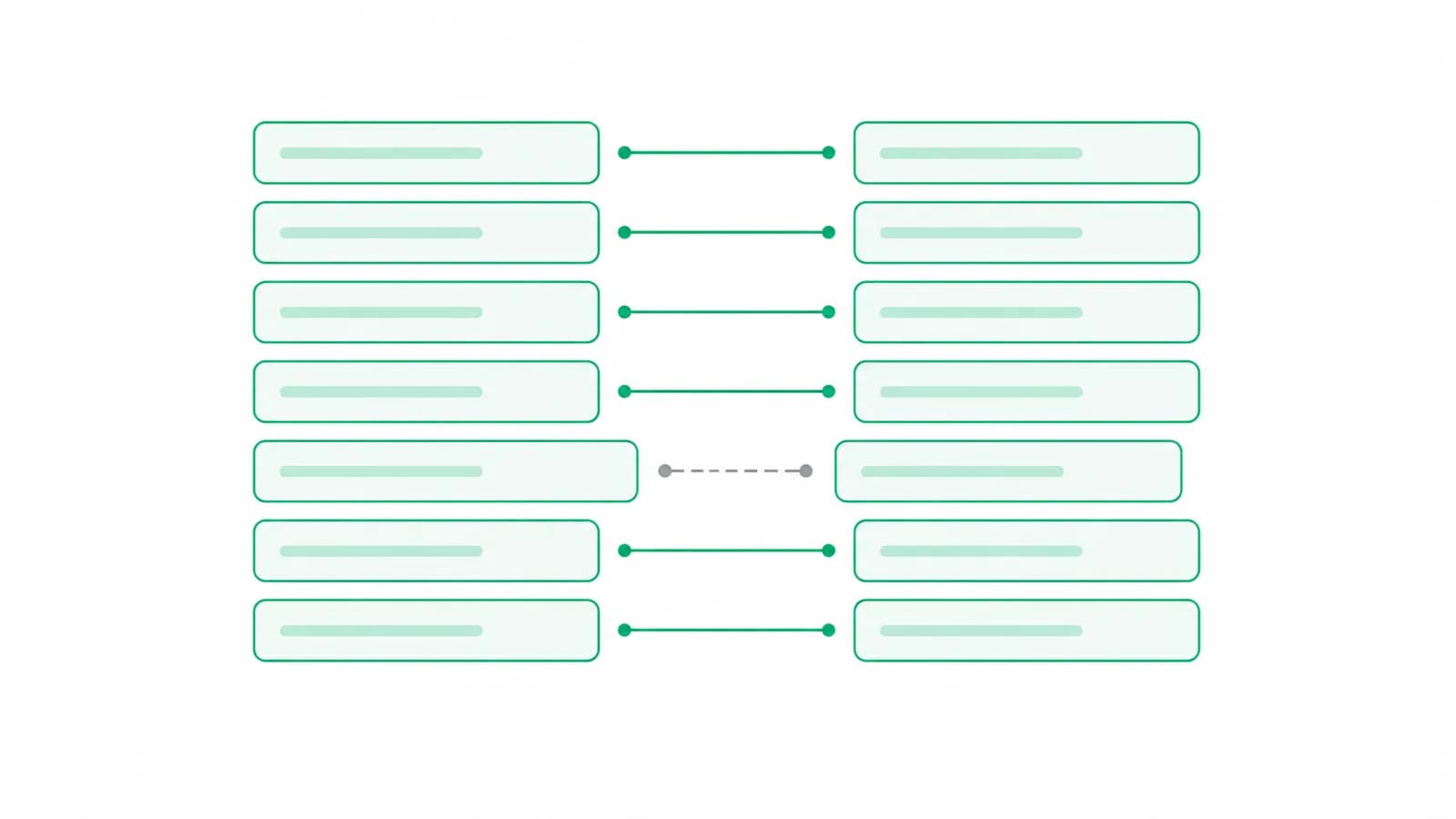
Most people looking for a BRS format are really looking for reassurance that the one Tally produced is right. Tally does build it for you and the layout is fixed, so the format is rarely where the difficulty sits.
The difficulty is that a reconciliation only means something when every difference has been correctly assigned to one of four buckets, and two of those buckets are routinely used as a dumping ground for things that are not timing differences at all. This covers the format Tally produces, what each line actually means, and how to tell an honest timing difference from an error wearing one as a disguise.
Where the reconciliation screen lives
In TallyPrime, open Gateway of Tally, go to Banking, then Bank Reconciliation, and pick the bank ledger. In Tally.ERP 9 the equivalent route is Display, then Account Books, then Bank Book, select the ledger and press F5 to switch the view into reconciliation mode.
Either way you land on the same thing: every voucher you have entered against that bank, each with an empty Bank Date column. That column is the entire job. Tally already knows what your books say. What it does not know is when the bank actually processed each entry, and that one date is what separates a cheque you wrote from a cheque that has cleared.
Pro tip
Set the Bank Date to the date shown on the statement, not the date you happen to be doing the reconciliation. It is the difference between a BRS that explains itself next year and one that has to be reconstructed from memory.
The format Tally produces, line by line
Once the dates are in, Tally computes the statement itself. It always takes the same shape, and it reads as an arithmetic bridge from one balance to the other.
- Balance as per company books. What your Tally bank ledger says right now.
- Amounts not reflected in the bank. Entries you have recorded that the bank has not processed yet, which is almost always cheques issued and not yet presented.
- Amounts not reflected in the company books. Entries the bank has processed that you have not recorded yet: bank charges, interest credited, a direct debit nobody mentioned.
- Balance as per bank. The figure that should equal the closing balance printed on the statement.
The two buckets that get abused
Buckets two and three exist for timing differences. The transaction is real, both sides agree it happened, and only the date differs. That is the whole legitimate use.
What ends up in them instead is anything that will not tie. A duplicated voucher. An amount typed wrong by one digit. A payment posted to the wrong bank ledger. A cheque entered twice under two references. Left un-dated, every one of those sits quietly in the unpresented pile and the statement still balances, because an un-dated voucher is simply assumed not to have reached the bank yet.
Which is why a reconciliation can balance perfectly and still be wrong. It balances by construction, as long as you are willing to leave things un-dated.
Important
An unpresented cheque that is still unpresented after six months is not a timing difference. It is a stale instrument and in most cases it should be reversed rather than carried forward. If your unpresented list holds entries from before the last financial year, that list is hiding something rather than explaining it.
Filling the bank dates without losing an afternoon
The mechanical part is matching hundreds of book entries against hundreds of statement lines. A few habits make it much faster.
- Work from the statement, not from Tally. Go down the bank statement in order and find each line in the reconciliation screen, rather than the other way round. The statement is the authoritative document and it has no gaps.
- Match on amount first, then date. Amounts are distinctive enough to find quickly. Dates are what you are trying to establish, so they cannot be your search key.
- Do the large entries first. If the totals are going to break they usually break on something large, and finding it early saves matching two hundred small entries under a false assumption.
- Leave anything ambiguous un-dated and note it separately, rather than guessing a date to make a line disappear.
- Reconcile monthly rather than annually. The cost grows faster than the transaction count, because every unresolved item has to be carried through every later period.
When the two balances still refuse to meet
If the computed bank balance and the statement closing balance disagree after every date is filled, the difference is not a timing difference and no further dating will fix it. Work through these in order, roughly by likelihood.
Start with the opening balance. If the period opened wrong, every closing figure is wrong by exactly the same amount, and the difference will be suspiciously constant across months. Next look for a transposition: if the difference divides evenly by nine, a swapped digit is the classic cause. Then check for the same voucher entered twice under different references, which is common when one statement is entered by two people. Then check whether something was posted to a different bank ledger entirely.
Only after all of that should you suspect the bank, and even then the usual answer is a charge levied at month end that has not been recorded yet. Booking those correctly has its own trap: see GST on bank charges.
Most of this work should not exist
Everything above assumes the entries reached Tally by hand, which is where the errors come from in the first place. A transposed digit is not a reconciliation problem. It is a typing problem that surfaces at reconciliation, several weeks after it would have been cheap to fix.
When the statement is read rather than retyped, the amounts in Tally are the amounts the bank printed, and an entire category of difference stops occurring. The running balance in the statement also gives an independent check that no line was skipped or counted twice, which is exactly the assurance a reconciliation is trying to provide after the fact.
Greenote reads the statement, carries the running balance through the whole file, and posts vouchers that match the bank line for line. Reconciliation then becomes what it should be: confirming timing, not hunting for typos.
Pro tip
Use the running balance as a live check while entering rather than as a report at the end. If it stops agreeing at row 140, the problem is at row 140, and you know that immediately instead of at month end.
Conclusion
The format is fixed and Tally builds it for you. What decides whether it means anything is discipline about the two timing buckets, because a reconciliation that balances by leaving things un-dated has not reconciled anything.
Fill dates from the statement, work large to small, never guess a date to clear a line, and treat anything older than a few months in the unpresented pile as a finding rather than a leftover.
Then remove the typing where you can. See how the statement to Tally flow works, or why reconciliation breaks in the first place. Before an audit, the wider check is ledger scrutiny of the bank ledger.
Start a free trial and reconcile against a statement you did not retype.
Turn bank statements into Tally vouchers offline
Greenote reads 100+ Indian banks and posts clean vouchers straight into Tally, fully on your PC. No uploads, no cloud, no manual entry.
7-day free trial, no card required. Works with Tally Prime & ERP 9.