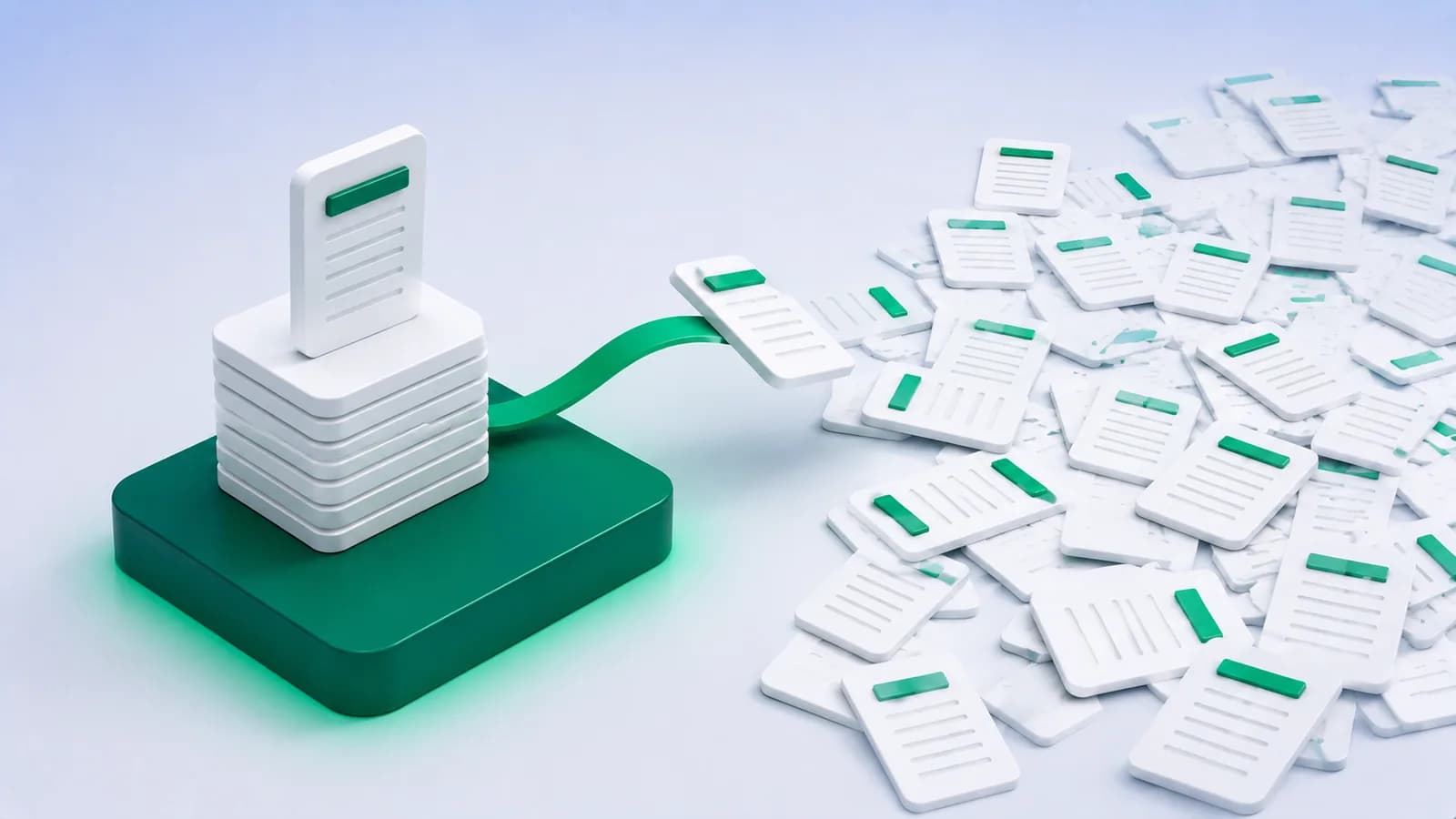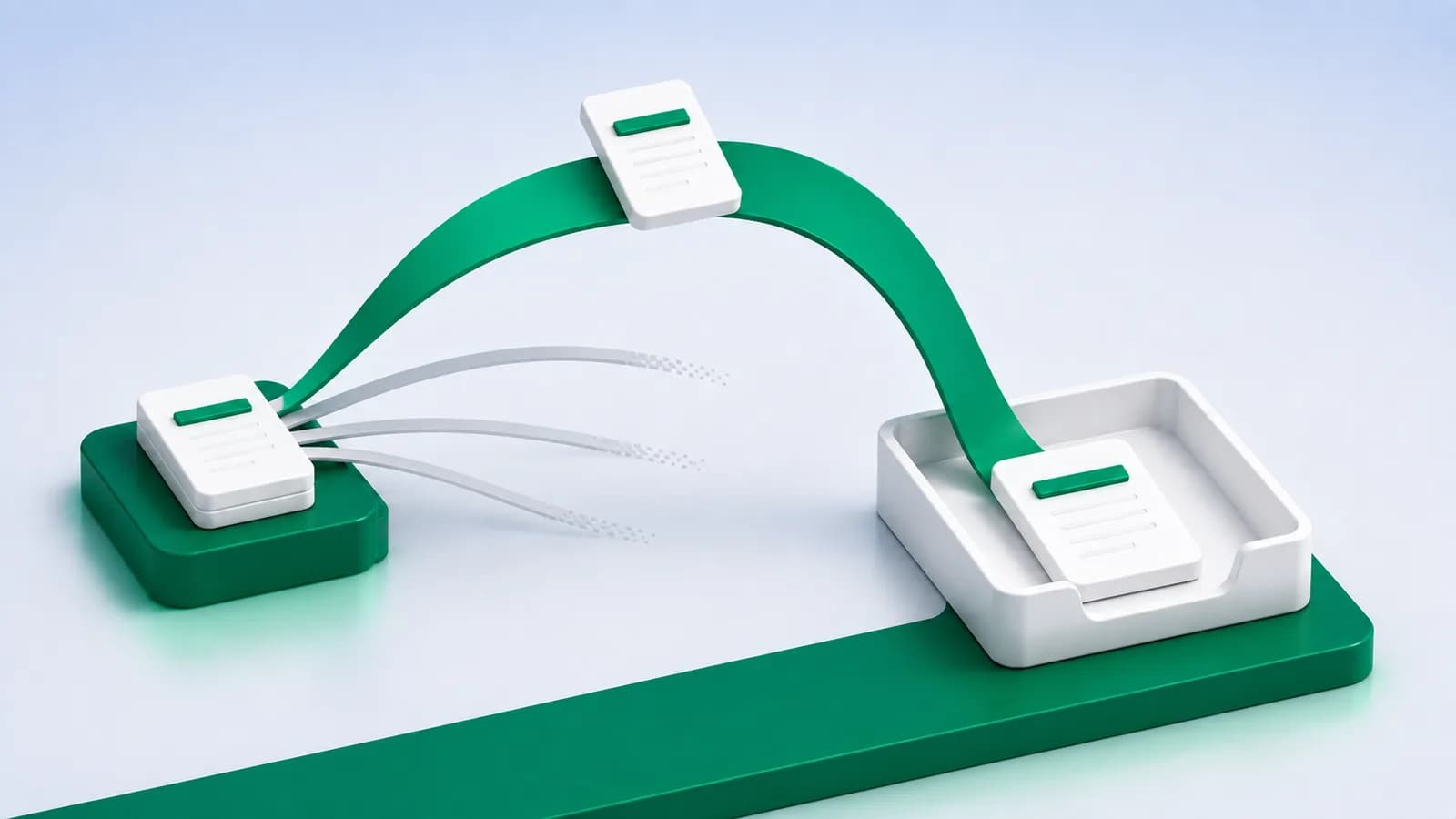
Every practice has a version of the same week: the return is ready except for one client's bank statement, three reminders have gone out, and what eventually arrives is a photograph of a printout taken at an angle.
The chase is usually treated as an unavoidable feature of dealing with clients. A good part of it is not. It is caused by requests that assume knowledge the client does not have, and by accepting whatever comes back so the sender never learns what was wrong. Both are fixable, and neither requires software.
Your request is probably ambiguous
"Please send the bank statement for FY 2025-26" seems perfectly clear. To someone who does not do this for a living, it leaves at least five open questions.
Which account, if they have four? What period exactly, given their bank offers calendar quarters? What format, when net banking offers PDF, Excel, and a print button? Send it how, on WhatsApp or email? And what about the password the bank puts on the file?
Faced with that many unstated decisions, people do the thing that feels safest, which is usually to print it and photograph it, because a picture obviously contains everything. The most expensive possible file arrives, and it arrives because the request did not say otherwise.
Pro tip
Write the request once, properly, and reuse it forever. Name the account, the exact date range, the format, the delivery channel and what to do about the password. Five specifics remove five decisions, and it is the decisions that cause the delay.
Ask for the download, and say why
The single highest-value line in a document request is the one that says: download the statement from net banking, do not print and scan it.
It is worth adding the reason, in one clause. A downloaded file contains the actual figures and can be read exactly. A photograph contains a picture of the figures and every number in it has to be interpreted, which is slower and less certain. Clients comply far more readily with a request that explains itself than one that merely instructs, and they remember it next quarter.
If you want the full version of that argument to link to, scanned versus text PDFs covers it, including the three-second test for telling them apart.
Important
Never accept a photograph "just this once" without saying anything. Silent acceptance teaches the client that a photograph is fine, and you will receive one every quarter thereafter. Process it if the deadline demands, then tell them what you would prefer next time.
Ask once, for everything, at the right moment
Two structural habits remove more chasing than any reminder schedule.
Ask for the whole year, not the missing month. Requesting one month at a time multiplies the number of interactions and the number of chances to be ignored. A single request covering the full period, made once, is one conversation instead of twelve.
Ask before you need it, not when you need it. A request that lands with a deadline attached is a request that competes with everything else urgent in the client's week. A request that lands three weeks early is one they can action when convenient, and it leaves room for the file to be wrong without the deadline being at risk.
- Send one request per client covering every account and the full period.
- Send it at least three weeks before you actually need it.
- Check the file the day it arrives, not the day you plan to work on it. A wrong file discovered early is a minor inconvenience.
- Reply immediately if it is unusable, saying specifically what to send instead.
- Keep a single list of what is outstanding, so chasing is one batch of work rather than a background hum.
The check that has to happen on arrival
Most of the pain in document collection comes from the gap between when a file arrives and when someone opens it. If a statement arrives on the 2nd and is opened on the 20th, an unusable file has cost you eighteen days you did not know you were losing.
Opening it takes thirty seconds. Is it the right account? Does it cover the whole period, both ends? Can you select the text? Is the closing balance present? Anything failing those makes the file unusable, and the moment to say so is now, while the client still remembers sending it.
This is the highest-return habit in the whole process and it is the one most often skipped, because opening a file you are not ready to work on feels like wasted effort. It is the opposite.
What to do about the password
Bank statement PDFs usually arrive protected, with a password built from some combination of PAN, date of birth or account number, and this causes a surprising amount of friction.
Ask for the password rule in the same message as the statement, not afterwards. It is one extra line and it prevents a whole round trip. The rule is usually printed in the bank's own covering email, so most clients can forward that.
And be clear that a protected PDF is not a problem for you. Some clients print and scan specifically to avoid sending a password, which is the worst possible trade: they have converted a perfect file into an unusable one to save you an inconvenience you did not have.
Pro tip
A password-protected text PDF is still a text PDF. Once opened it behaves exactly like any other, so there is no reason to prefer a printout over it.
Conclusion
Document chasing feels like a client-behaviour problem and is mostly a request-design problem. Say which account, which dates, which format, which channel and what to do about the password. Explain in one clause why a download beats a scan. Ask early, ask once, and open the file the day it lands.
None of that requires buying anything, and together it removes most of the chase.
What it does not remove is the work after the file is right, which is where Greenote comes in: reading the statement, classifying every line and naming the counterparty on your own PC. See what manual bank entry actually costs.
Start a free trial and put a properly collected statement through it.
Turn bank statements into Tally vouchers offline
Greenote reads 100+ Indian banks and posts clean vouchers straight into Tally, fully on your PC. No uploads, no cloud, no manual entry.
7-day free trial, no card required. Works with Tally Prime & ERP 9.