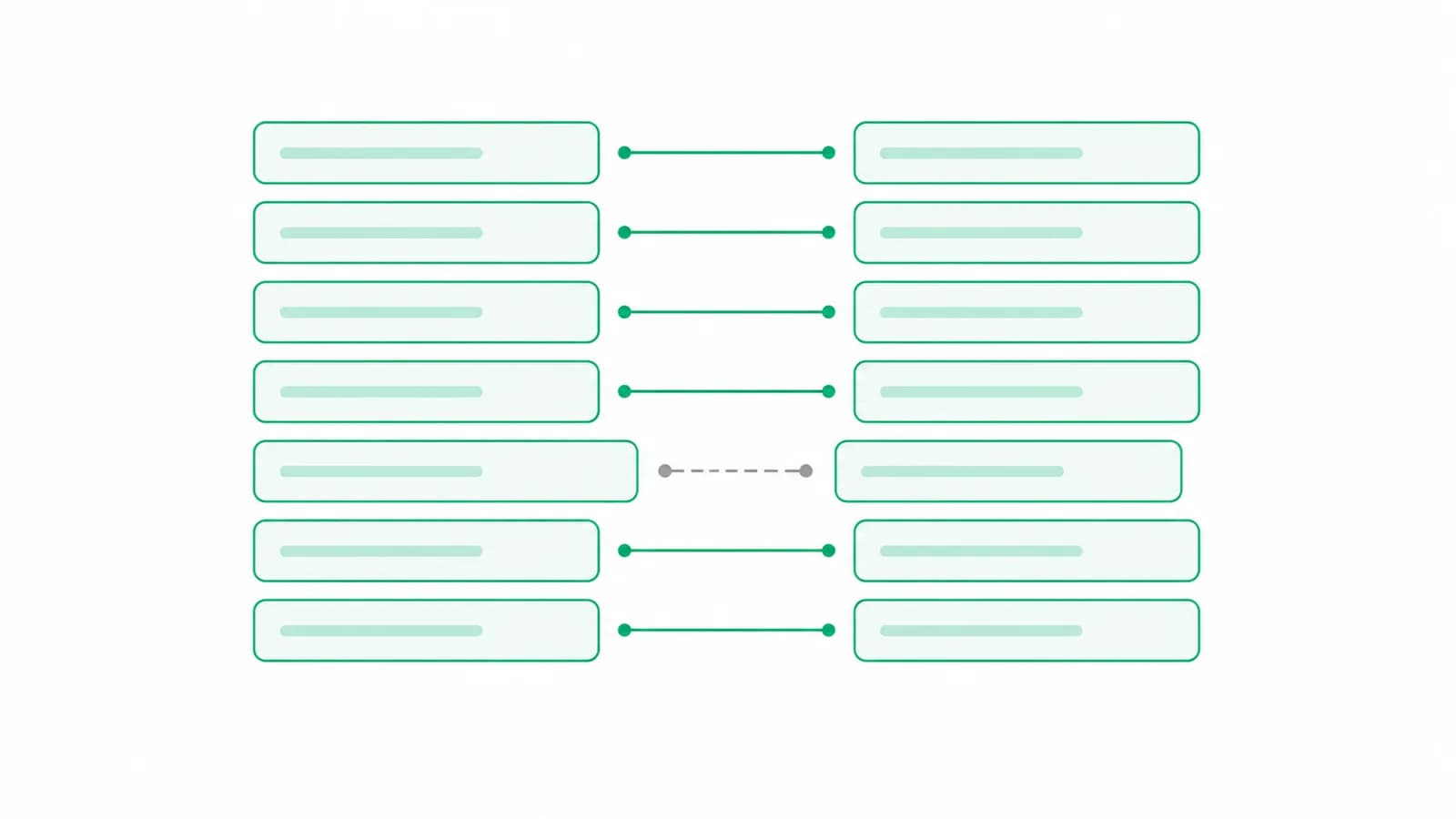
A good number of banks print the date column as "15 Mar" or "Mar 15" and leave the year to be worked out. On paper this is harmless, because the person reading it knows which statement they asked for.
In a file it is not harmless at all, because the obvious shortcut is wrong in a way that produces no error. Take the year from the computer clock and every statement imported in April for a year ending in March lands twelve months out, quietly, with the balances still adding up.
The right answer uses two things and nothing else.
The two things that settle it
The closing date of the statement period, and the order the rows are listed in. That is the whole input.
The period is the authority here. A statement is a document about a stretch of time, and it says on its face what that stretch is. Every yearless row inside it belongs to that stretch, so the period's closing year is the starting assumption for the first such row.
The order matters because statements come both ways. Oldest first is the common one. Newest first is routine on credit cards and on some bank downloads, and the two need opposite treatment at a year turn.
Notice what is not in that list. Not the current date. Not the year in the file name, which is whatever somebody typed when they saved it. Not a year found elsewhere in the page text, which is as likely to be the bank's copyright line or the customer's date of birth as it is the period.
Important
A year taken from the machine clock is the single most common cause of a statement that imports cleanly and sits in the wrong financial year. Nothing downstream catches it, because every row is internally consistent.
The rule that does most of the work
A row cannot postdate the statement that lists it.
That one sentence settles the first row. If the first yearless row reads "15 Mar" and the period ends on 31 January 2026, then 15 March 2026 is impossible, because the statement was produced before it. So that row is 15 March 2025.
It is a small rule and it is doing something important: it means a statement running across a year end does not need you to tell it which year the early rows are in. It works it out from a fact that cannot be argued with.
Finding the year turn in the middle
Once the first row has a year, the rest is carried down the list and changed only when the months say it must.
The signal is a large jump in the month number between two consecutive rows. A statement listed in date order moves the month by nothing or by one, most of the time. Two rows slightly out of order move it by a little. Turning from December into January moves it by eleven.
So a fall of seven months or more, December then January, is a new calendar year on a statement listed oldest first. A rise of seven or more, January then December, is the year before on one listed newest first.
Seven is the threshold because it is comfortably above any out-of-order jitter and comfortably below the eleven that a real year turn produces.
Pro tip
If you are checking an import by hand, check the row immediately after the year turn, not the first row. The first row is usually right by luck; the row after a December to January step is where a wrong rule shows itself.
The case where the simple rule breaks
Here is where this stops being tidy, and it is worth knowing because it is the shape of a bug a tool can easily have.
Take an April to March statement, the normal Indian financial year, running 1 April 2025 to 31 March 2026. Somewhere in it, April is followed by November. That is a rise of seven months, which the rule above would read as "newest first, so step back a year", putting November in 2024.
And 2024 is outside the period entirely. The reading is nonsense.
The fix is to put the first rule back in charge: a big rise steps the year back only when keeping the year would date the row after the period's end. November 2025 sits comfortably inside a period ending 31 March 2026, so it stays. A statement ending 15 January 2026 that lists 5 January then 28 December is different, because 28 December 2026 would be after the end, so that one does step back to 2025.
The general lesson is that a month-gap heuristic alone is not enough. It has to be checked against the period, every time.
The February problem that has no good answer
A statement that prints "29 Feb" with no year is asking a question that sometimes has no answer, because 29 February does not exist in three years out of four.
There are two wrong things to do and one right one. The wrong ones are to nudge it to 28 February or to 1 March, because now the file has a date the bank never printed, and a reconciliation against the bank's own copy will differ by one day on that row with no explanation. Dropping the row silently is worse.
The right one is to leave that row without a date and say so, so the person can look at the statement and decide. A date nobody can derive is a question for the reader, not a guess for the software.
There is a related trick worth knowing. A date with no year has to be held as something before the year is worked out, and the sensible holding year is a leap year that no real statement could ever cover. That way a printed 29 February can be held at all rather than failing on the way in, and the holding value can never be mistaken for a year the bank actually printed.
Important
Any import that silently moves a date by a day to make it valid has made your reconciliation lie. A row you cannot date is a row to ask about.
What to check when you meet one
If you are handed a statement with yearless dates, three checks catch almost everything.
- Does the period on the statement match the period you asked the client for? If the client sent the wrong months, every year below is right and the statement is still the wrong one.
- Is the first row inside the period? If it is dated after the period ends, the year logic has failed.
- Does the row after each year turn make sense? December to January is the place to look.
Greenote works the years out from the period and the row order alone, never from the clock and never from a year found loose in the page text, and refuses to date a 29 February that does not exist rather than nudging it. The same question comes up whenever a client sends a statement that crosses two financial years, which is the other half of this problem.
Conclusion
The year on a yearless date is not missing information. It is derivable information, from the period and the order, and it stops being derivable the moment anything else is allowed into the calculation.
The failures here are quiet ones. Nothing throws an error, the balances still chain, and the statement simply sits in the wrong year until somebody notices at the audit.
Turn bank statements into Tally vouchers on your own PC
Greenote reads 100+ Indian banks and posts clean vouchers straight into Tally, from your own PC. The statement is not uploaded, and nothing is typed by hand.
Free trial: 7 days or 5 statements, no card. Works with Tally Prime & ERP 9.