Ask where a practice tool keeps your client data and you will usually get a paragraph. Industry-standard encryption. Secure servers. Your data is safe with us.
None of that answers the question, and the question matters more each year, because a CA holding client data is answerable for it whoever is storing it.
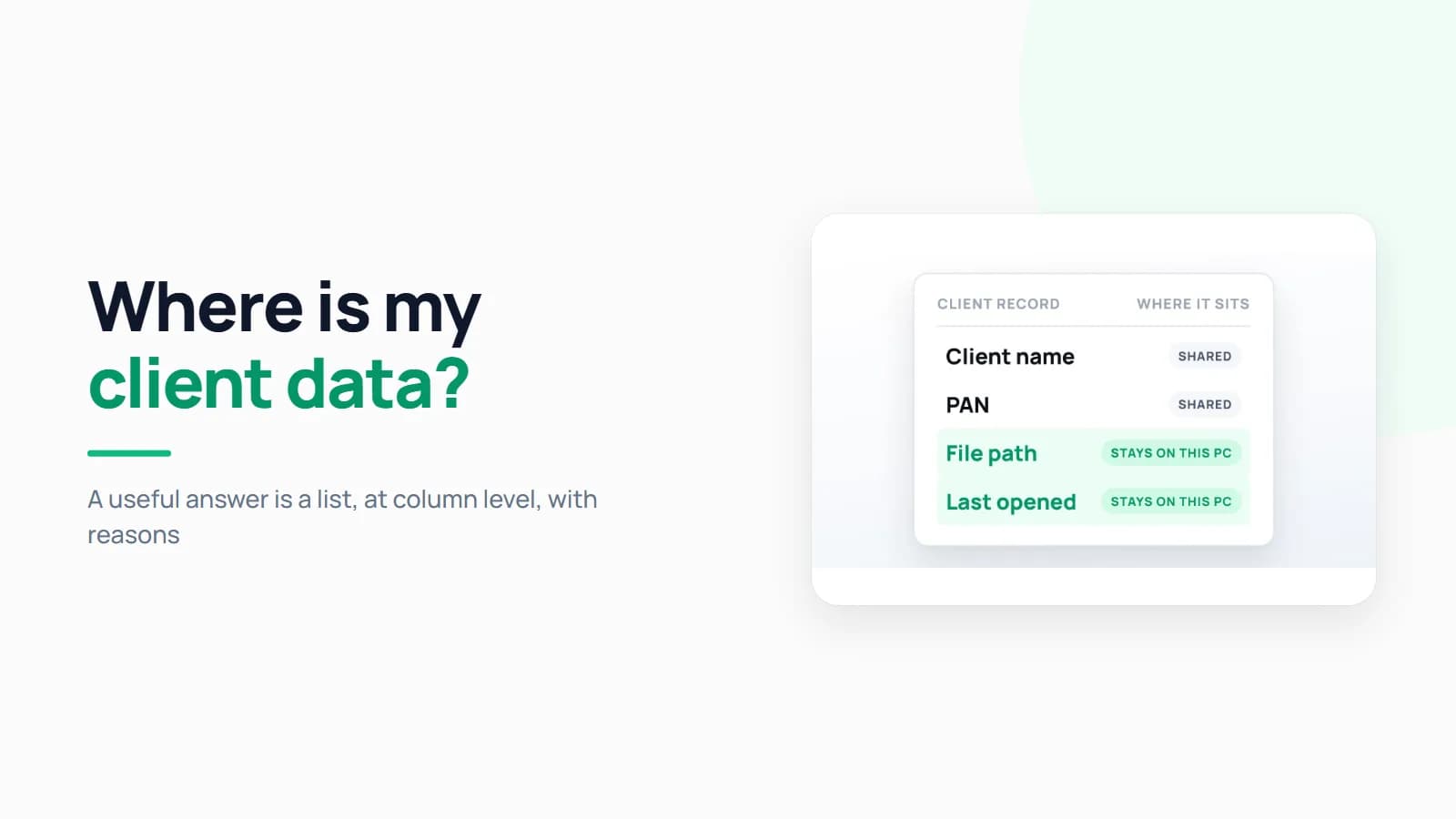
The answer that is actually useful is boring and long: a list. Every table, every column, which ones travel, and for the ones that do not, why not.
Three kinds of table, and nothing uncategorised
Any practice tool that shares work across a firm's machines has to decide, for every piece of data it stores, which of three things it is.
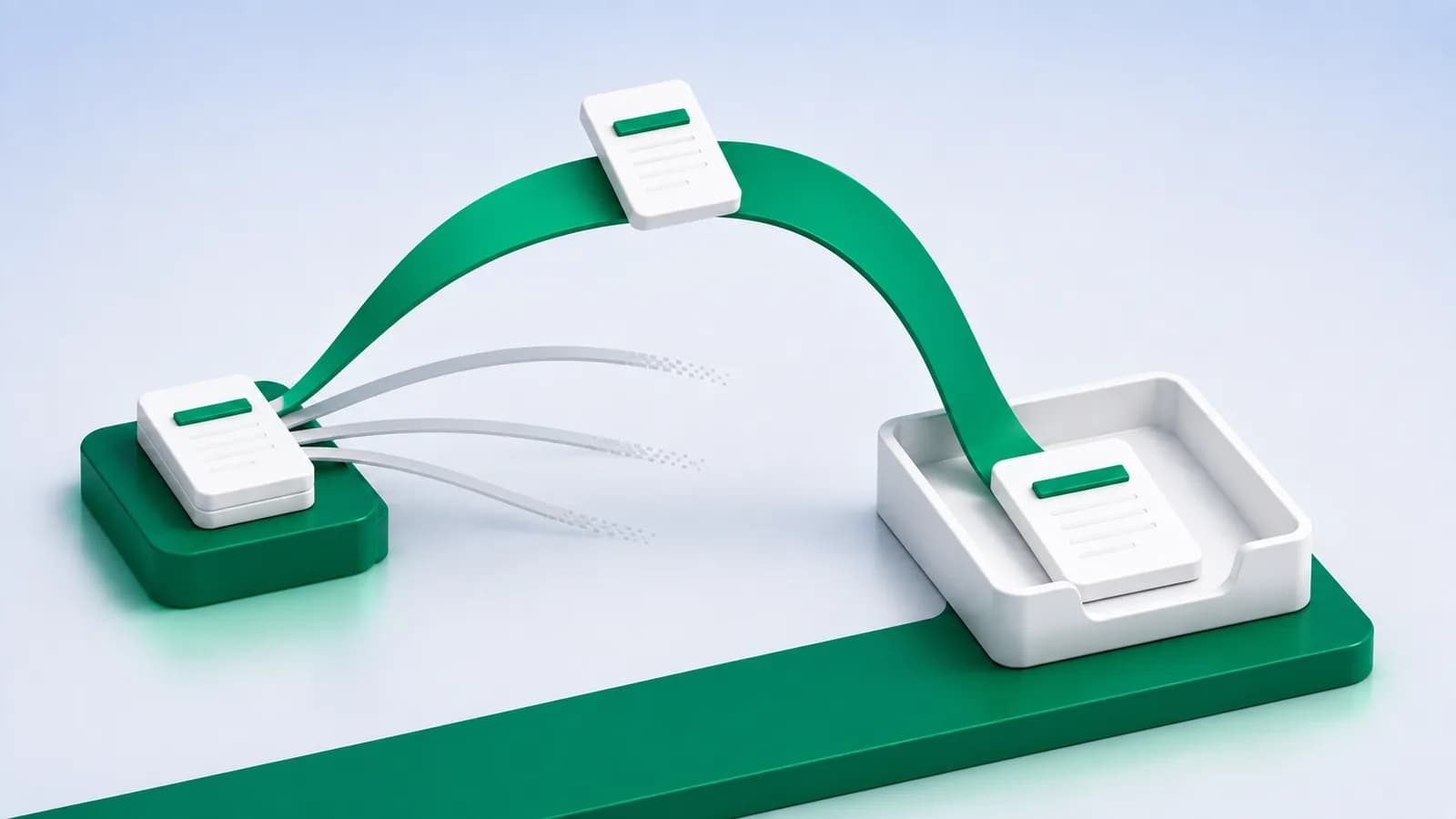
Something shared across the firm. A client, a task, a fee, a notice. The firm works on it together, so it has to reach every machine that needs it.
Something an older arrangement already carries. Most software accumulates several ways of moving data over the years. Knowing which pieces go by which route is part of knowing where things are.
Something that belongs to this one machine only. A local file path. A cache. A record of what this particular computer did. These are real data and they are not the firm's shared work.
The useful property is not which bucket a given table is in. It is that nothing can be in none of them. A tool that cannot produce this list for every table it creates does not have the answer; it has a policy.
Pro tip
When evaluating software, ask for the list rather than the policy. A vendor who has done this work can produce it quickly, because it exists as a working document rather than as marketing.
Columns, not just tables
Table-level answers are not enough, because tables are mixed.
A document record might hold the document's name, its client, its date, a hash of its contents, and the path to where the file sits on this particular machine. The first four are the firm's. The last is meaningless anywhere else and should not travel.
So the list has to go a level deeper: every column that does not travel, with the reason it does not. A path because it is local. A machine identifier because it describes a computer, not a client. A cached figure because it can be worked out again.
For files specifically, three separate things need naming: the column holding this machine's path, the column holding the hash that does travel, and where a file arriving from elsewhere is put. Those are three different decisions and conflating them is how a file ends up in the wrong place or not arriving at all.
Settings are the ones everybody forgets
Application settings are where this quietly goes wrong, because they feel like configuration rather than data.
Some settings genuinely belong to the firm: how the office has agreed to do something, shared so that everyone does it the same way. Others belong to the machine, and a few are credentials or tokens that should never move at all.
The safe design is an allowlist: these named settings travel and nothing else does. The unsafe one is to send settings by default and exclude the dangerous ones, because the list of dangerous ones has to be maintained forever, and the day somebody adds a setting without thinking about it, it goes.
The difference is which way a mistake fails. With an allowlist, a forgotten setting fails to sync, which somebody notices and fixes. The other way round, a forgotten setting leaves the machine, which nobody notices at all.
Important
Ask any vendor whether settings travel by allowlist or by exclusion. It is a short question and the answer tells you how the rest of the system was built.
What this is for
Two things, and only one of them is about regulation.
The regulatory one. A practice that holds personal data about its clients and their people is answerable for it, and using a vendor does not move that. Answering "what of mine is on your server" requires the vendor to have the list, and a CA who cannot get it is carrying a risk they cannot size.
The practical one, which bites sooner. When something goes wrong, the question is always what reached which machine. A tool that knows, at column level, what travels and what does not can answer that in a minute. One that does not will have somebody opening databases.
Greenote holds this as a single list that every table is checked against: each one is either a kind of shared record, or carried by an older arrangement, or marked as kept on that one machine with its reason, and the check fails the build on a table or a column that nobody has classified. The firm's switch still decides whether any of it leaves at all.
What the switch does not cover, and this is worth stating plainly rather than being discovered, is the things a person clicks to send: a tax number look-up, a filing check, a return fetched from a portal, a support request. Those go out when somebody asks for them, switch or no switch, and what that means for the privacy claims software makes is its own subject.
Conclusion
"Where is my client data" has a good answer and a bad one. The bad one describes security. The good one is a list, at column level, with reasons.
The list is also the thing that makes the question answerable later, when something has gone wrong and the answer is needed in a hurry rather than in a brochure.
What else a firm should keep in one place, or see what the practice workspace covers.
Turn bank statements into Tally vouchers on your own PC
Greenote reads 100+ Indian banks and posts clean vouchers straight into Tally, from your own PC. The statement is not uploaded, and nothing is typed by hand.
Free trial: 7 days or 5 statements, no card. Works with Tally Prime & ERP 9.